1. Reboot first
A full restart clears stuck processes. If you have not rebooted in weeks, do that before deeper steps.
2. Check free storage
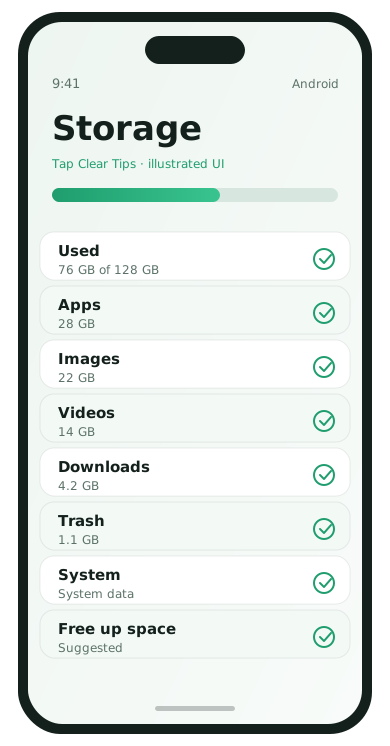
When storage is nearly full, phones stutter. Free space using our Android or iPhone storage guides, then retest.
3. Update OS and the apps you use daily
Bug-fix updates often target exactly the lag you are feeling. Update system software on Wi‑Fi, then update messaging, maps, and browsers.
4. Look at battery usage for culprits
An app burning battery in the background can also burn CPU. Restrict or uninstall the offender for 48 hours and compare.
5. Reduce home-screen load
- Remove animated widgets
- Limit live wallpapers
- Disable fancy launcher effects you do not need
6. Review recent installs
If slowness started yesterday, uninstall whatever you installed yesterday. Correlation is not proof, but it is a strong lead.
7. When a reset is reasonable
After backup, a factory reset can help if the phone is years into messy software state. If it is still slow on a clean setup, hardware age may be the limit.
Separate “slow internet” from “slow phone”
If scrolling Settings is smooth but websites crawl, you may be debugging the wrong problem. Test a local app like Camera or Notes. If those are snappy while browsers struggle, fix Wi‑Fi or mobile data first.
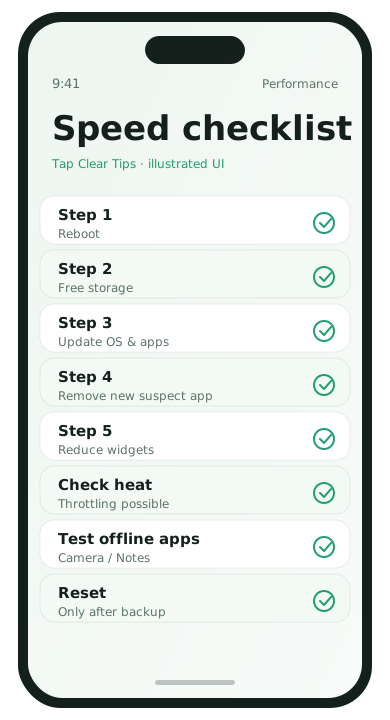
Performance checklist in order
- Reboot
- Free storage
- Update OS and top apps
- Remove the newest suspect app
- Reduce widgets / live wallpapers
- Check for overheating that causes throttling
- Backup and reset only if needed
Changing five things at once makes it impossible to know what helped. Give each step a short real-world test.
Aging hardware signs
- Camera opens slowly even after a clean reset
- Keyboard lag on a nearly empty phone
- Battery percentage jumps or shuts down early
Software cleanup still helps, but it cannot invent RAM. At that point, reduce multitasking demands or plan an upgrade.
Performance FAQ
- Does restarting often hurt the phone?
- No. Restarting is healthy maintenance.
- Are cleaner apps useful?
- Built-in storage and battery screens are safer starting points.
- Can too many accounts slow email?
- Yes. Reduce sync frequency for secondary accounts.
- Is a reset guaranteed to help?
- It helps software clutter, not failing batteries or tiny RAM.